> ## Documentation Index
> Fetch the complete documentation index at: https://docs.escrivalimited.com/docs/llms.txt
> Use this file to discover all available pages before exploring further.
# Payments & Digital Receipts
The Financial Dashboard provides farmers with absolute clarity regarding their earnings. Built on a highly optimized architecture, the Payments page ensures that requesting financial data is fast, secure, and deeply detailed.
## Initializing the Financial Dashboard
Financial data is highly sensitive. The app never caches this data locally; it requests it fresh from the Easyway Web API every single time.
While the secure API establishes a handshake, the user sees our signature **Steaming Cup Loading Indicator**.
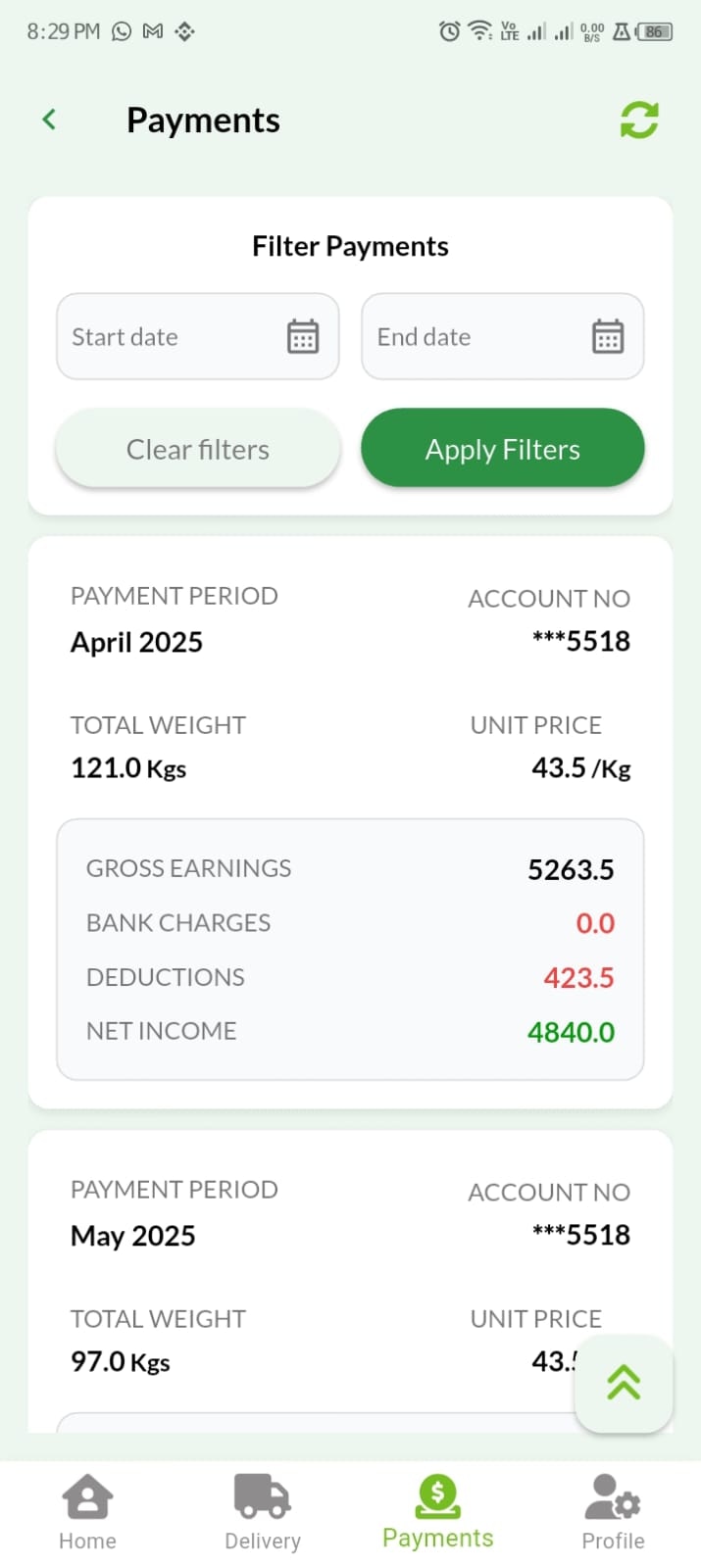
Unlike deliveries (which are daily), payments are processed monthly. Therefore, the dashboard defaults to the **Current Year's** full ledger, giving the farmer an immediate macro-view of their annual financial health.
**API Timeout Recovery:** If the financial server experiences a cold-start delay, the localized **Refresh 🔄** button appears. Tapping it re-initiates the secure token request to fetch the ledger without restarting the app.
***
## Granular Payment Breakdowns
A total "Net Pay" number is not enough. Farmers need to know exactly how that number was calculated.
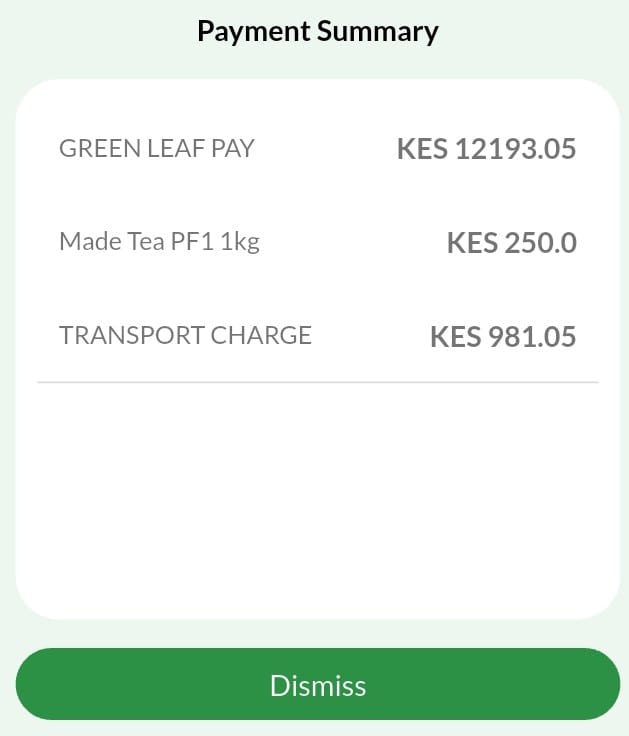
By tapping on any specific month's payment card, the system executes a secondary API request (`/Paymentdetails?index=x`) to pull the exact financial breakdown.
**The Breakdown Modal Displays:**
* 🟢 **Gross Earnings:** Base calculations for produce delivered (e.g., `GREEN LEAF PAY`).
* 🔴 **Deductions:** Itemized list of deductions (e.g., previously ordered farm inputs, fertilizers, or tools).
* 🏦 **Remittance:** Bank charges and the final account destination (`Co-operative Bank of Kenya`).
***
## Annual Ledger Filtering 📅
Farmers can audit their historical earnings spanning back multiple years using the integrated filtering tools.
Because the data density is lower (maximum 12 records per year), there are no restrictive date-range limits on this page.
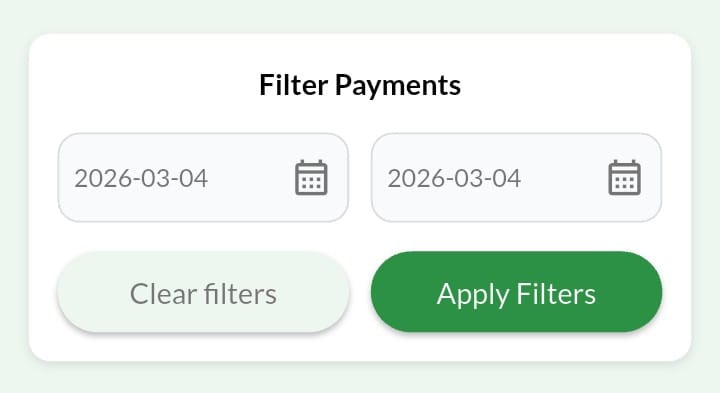
* **Yearly Selection:** The user selects their desired historical year from the dropdown menu.
* **The "Apply Filter" Mandate:** To save mobile bandwidth, selecting a year does *not* automatically trigger a server request. The user must explicitly tap the **Apply Filter** button to fetch the new ledger.
* **Reset Function:** Instantly clears the query and returns to the current year.
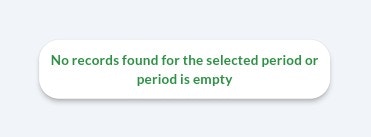
**Empty States (No Records Found):** If a farmer filters for a year where no produce was delivered and no payment was processed, the API returns an empty dataset. The UI intercepts this and displays a clean, user-friendly "No Records Found" illustration rather than an intimidating zero-balance error.
***
## AI Financial Summaries ✨
Once an annual ledger is loaded, the **Sasini AI** engine computes a quick top-level summary of that specific year:
* 💰 **Total Gross Processed**
* 📉 **Total Deductions Applied**
* 💵 **Net Take-Home Pay**
***
## Navigation Efficiency
**The Quick-Scroll Floating Action Button (FAB)**
When reviewing a full year of transactions, the floating action button (⇪) at the bottom right allows the user to instantly auto-scroll to the top to adjust their filters or download a PDF receipt.